
Visitors leave. ChurnReturn brings them back with the right product.
A lightweight script recognizes what a visitor is looking at and, at the right moment, shows matching products from your own feed. When they are about to leave, after they have spent some time on the page, or whenever you decide.



How it works
Connect your feed
Google Shopping XML, CSV or JSON, also zipped or gzipped, the same feed you already maintain for price comparison sites. We import your products on a regular schedule and prepare them for similarity search.
Add the script
One line in your page source. The script uses the URL to tell which product a visitor is viewing, or falls back to the page text.
Choose your triggers
Exit intent, time on page, scroll depth or custom events from your shop. You decide when and how often recommendations appear.
Customize the overlay
Set position, layout, colors and copy yourself. Want it to match your shop exactly? We will design a custom overlay for you.
Every overlay tailored to your website
No off-the-shelf pop-ups. Every overlay is matched to your website: layout, fonts, colors, imagery and tone of voice. We can take care of it for you, or you fine-tune every detail yourself.
- Position and layout: corner, bar, centered or inline with your content, as a list or as tiles
- Copy for each language, dimmed or blurred background, close by clicking outside
- Your own template, CSS and JavaScript when it has to be entirely your design
- Isolated in a Shadow DOM or rendered directly in your page, with a preview on your live website
- On request, we design and maintain your overlays for you, including variants for each website
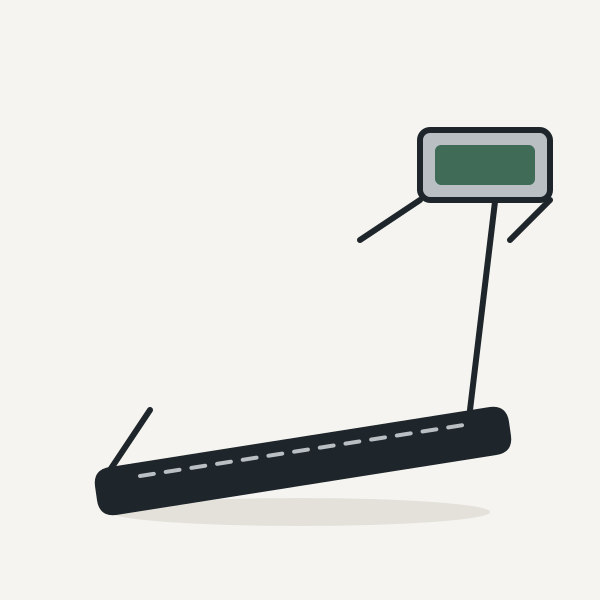 Home Runner treadmill
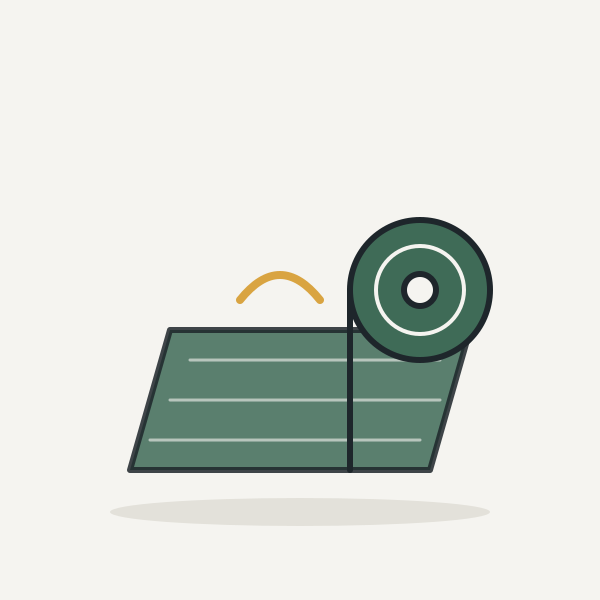 Moss green yoga mat
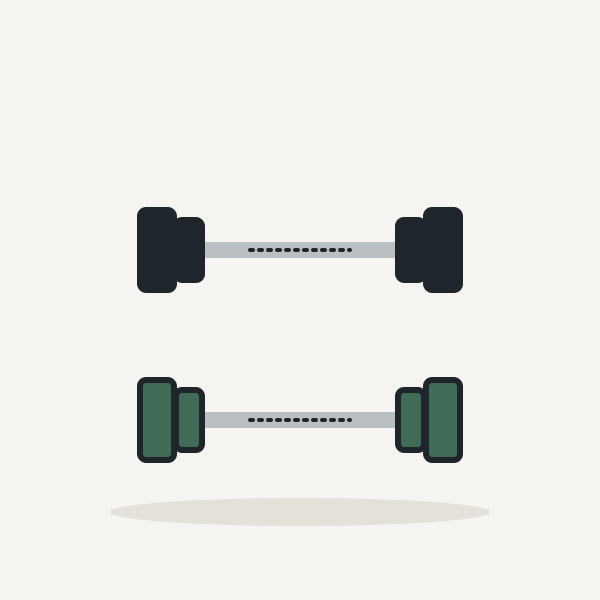 Dumbbell set 2 × 20 kg
What makes ChurnReturn different
Understands content, not just clicks
Products and page content are compared as vectors. Similar things find each other, without any purchase history and even on a visitor's first visit.
Multilingual
Language is detected from URL rules, product data or page text. You maintain the overlay copy per language, and the model understands more than 100 languages.
Privacy-friendly
No IP addresses, no profiles, nothing stored on the device without consent. In its default mode, ChurnReturn needs no cookie consent.
Tailored to every website
Every overlay is adapted to your shop, from position and colors to a completely custom design. Set it up yourself or let us design it, with a preview on your live site.
Frequently asked questions
Do I need cookie consent for ChurnReturn?
Not in the default mode. The script stores nothing on the device, does not send IP addresses to our database and does not build profiles. Browser storage is only needed if you want repeat protection across multiple page views. In that case, your site reports the visitor's consent to the script; until then, it stays in consent-free mode.
Which feeds can I connect?
Google Shopping XML, CSV and JSON, also zipped or gzipped, the formats you most likely already maintain for price comparison sites or Google Merchant Center. If your feed uses different field names, you can map them. Imports run manually or automatically on a fixed schedule.
How does ChurnReturn know what a visitor is looking at?
First by the page URL: if the product is in your feed, it is recognized directly. Otherwise, the script takes the page text, which you can limit to a specific area, and finds the most similar products. This also works on buying guides and category pages.
Will the script slow down my site?
No. It loads asynchronously after your page content, weighs just a few kilobytes and only requests recommendations once a trigger fires. Until then, nothing happens.
When does the overlay appear?
You decide with triggers: when a visitor is about to leave, on a fast scroll up on mobile, after a certain time on the page, after inactivity, at a given scroll depth or from the nth page of a visit. Each trigger has four levels from relaxed to fast and applies to desktop, mobile or both. The overlay appears at most once per page view.
Can I match the overlay to my design?
Yes, as deeply as you like. Position, layout, background and copy are set in the dashboard. If you want more, add your own template, CSS and JavaScript. And if you would rather hand it off, we will design the overlay to match your shop.
Can I test before visitors see anything?
Yes. Every website starts in preview mode. Only you see the overlay, by adding ?cr_preview to any URL on your site. Once you switch to live, everyone sees it.
Can I add the script with Google Tag Manager?
Yes, as a “Custom HTML” tag with the script line and the “All Pages” trigger. You report consent from your consent tool with a second tag. See the step-by-step integration guide.
Does it work with my shop system?
With any system where you can add one line of script: Shopware, Shopify, WooCommerce, Magento, JTL or your own custom build. There are no plugins to maintain and no key in your page source. Notes for each system are in the integration guide.
What about multiple languages or multiple shops?
ChurnReturn detects the language from URL rules, product data or page text, and you maintain the overlay copy per language. You manage multiple websites and feeds under one account, each website with its own triggers and design.
What data is stored?
From your feed, the product data and its vectors. From visitors, only which product or page path led to which recommendation and whether it was clicked, linked by a hashed identifier that changes daily and contains no IP address. Raw data is aggregated into totals after a period you can configure.
How much does ChurnReturn cost?
No license, no monthly fee. Recommendations lead to your products through affiliate links, and we only earn a share of the revenue we actually generate for you. Billing runs through your affiliate program or network. No sale, no cost. Questions? Contact us at info@advaso.com.
Integration
<script src="https://churnreturn.com/cr.js" async></script>
No key in your page source. Your website is recognized by its domain, which you register in the dashboard.